Nov 14, 2026 · v0.3.532
Introducing Loops
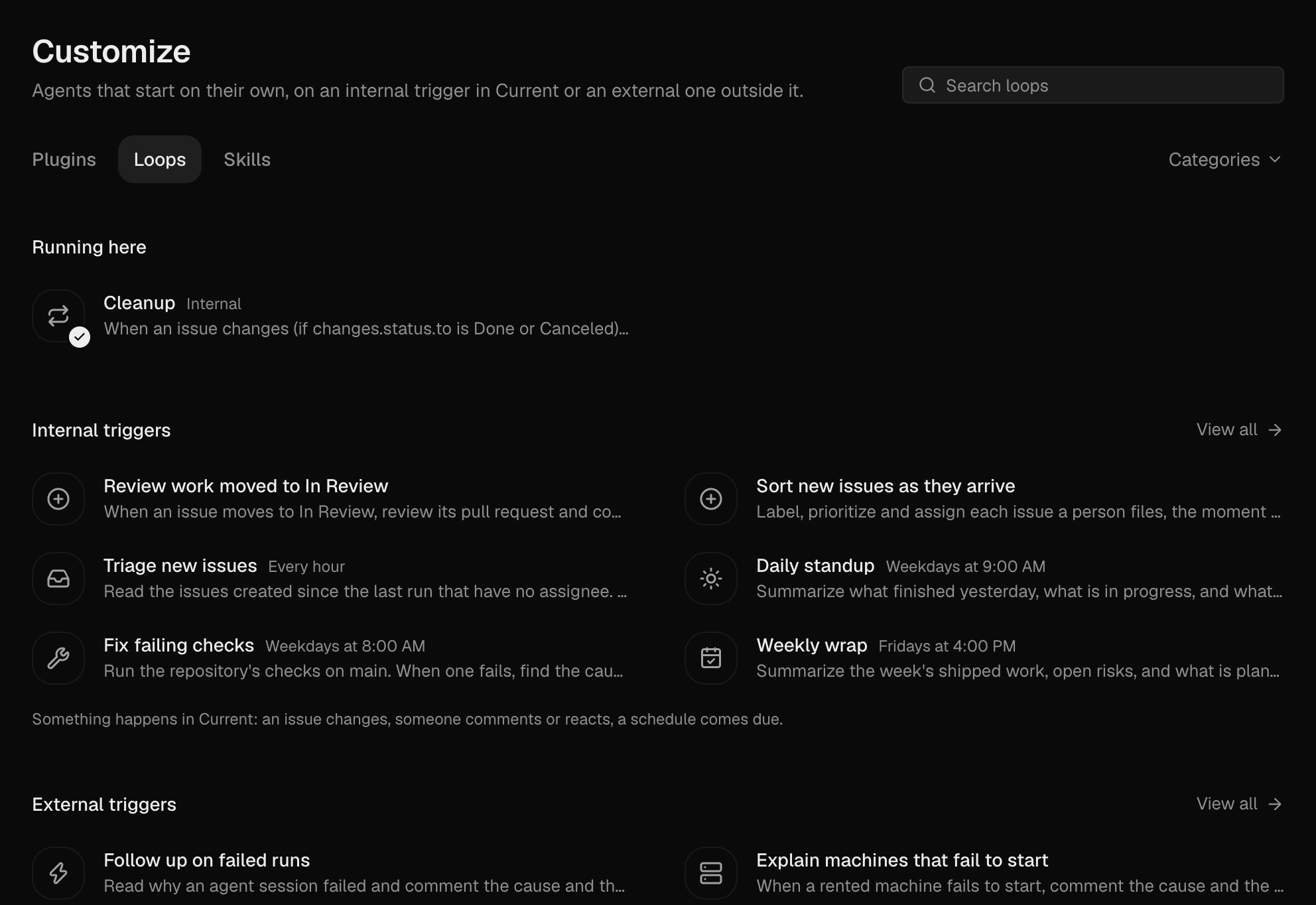
A loop starts an agent when something happens. It can react to anything in Current, like a new issue, a status change, a comment or a reaction, or to events from outside, like a pull request, an email or a survey reply. Find them in Customize → Loops.
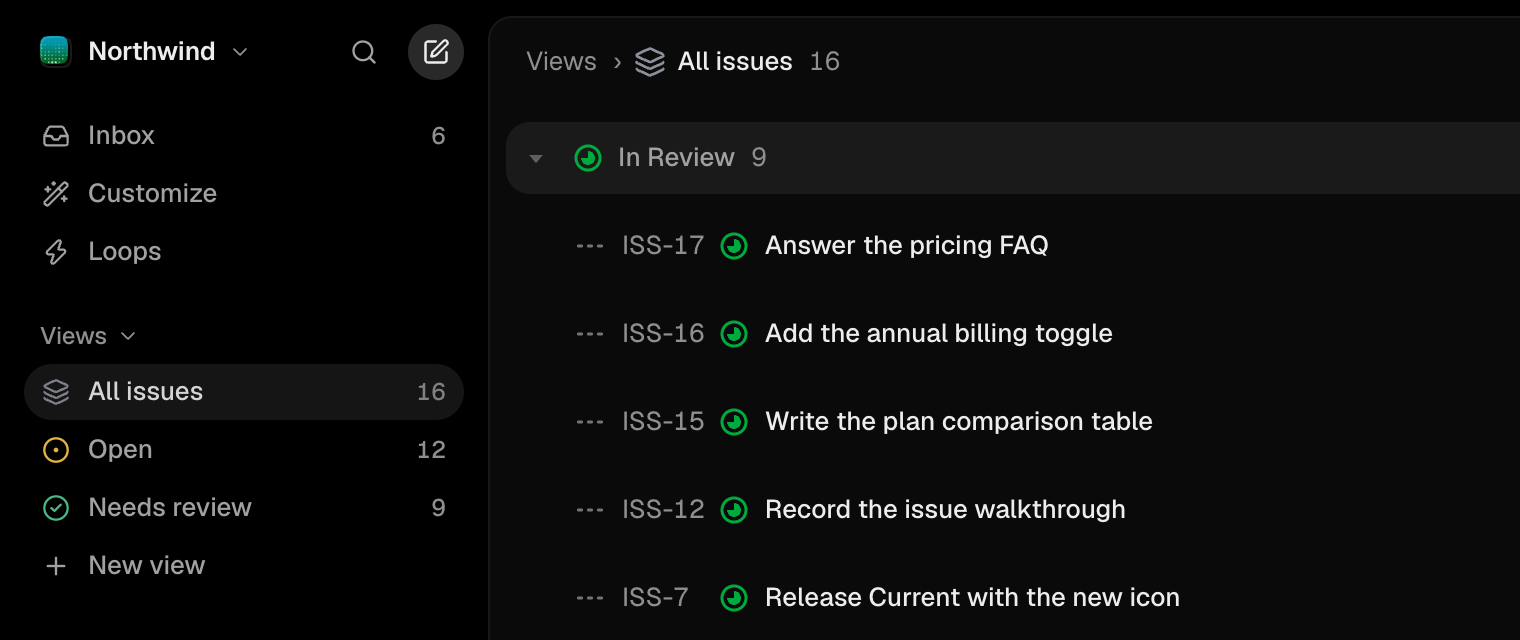
Inbox, Customize and Loops on top
The sidebar opens with Inbox, Customize and Loops, and All issues is the first view.
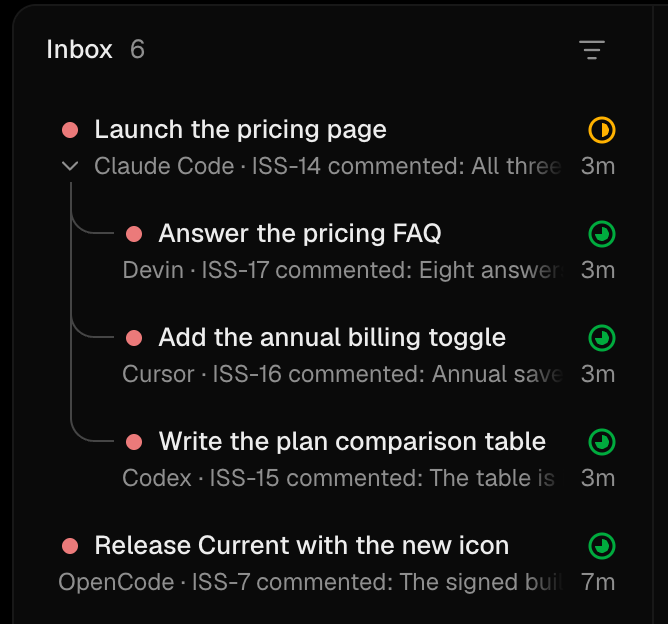
Sub-issues fold under their parent
The Inbox shows one entry per parent, with its sub-issues indented under it.
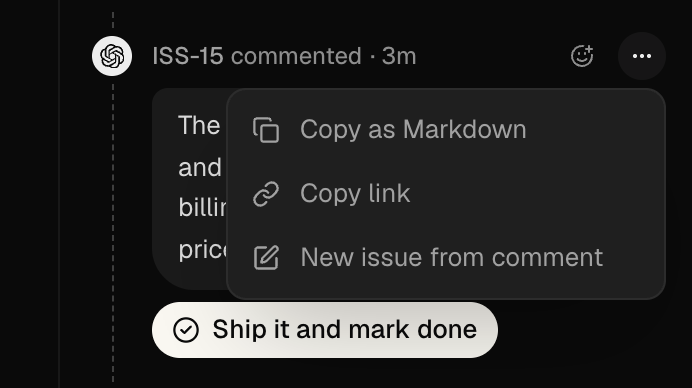
New issue from a comment
A comment's ⋯ menu has New issue from comment, which quotes it in a new issue.
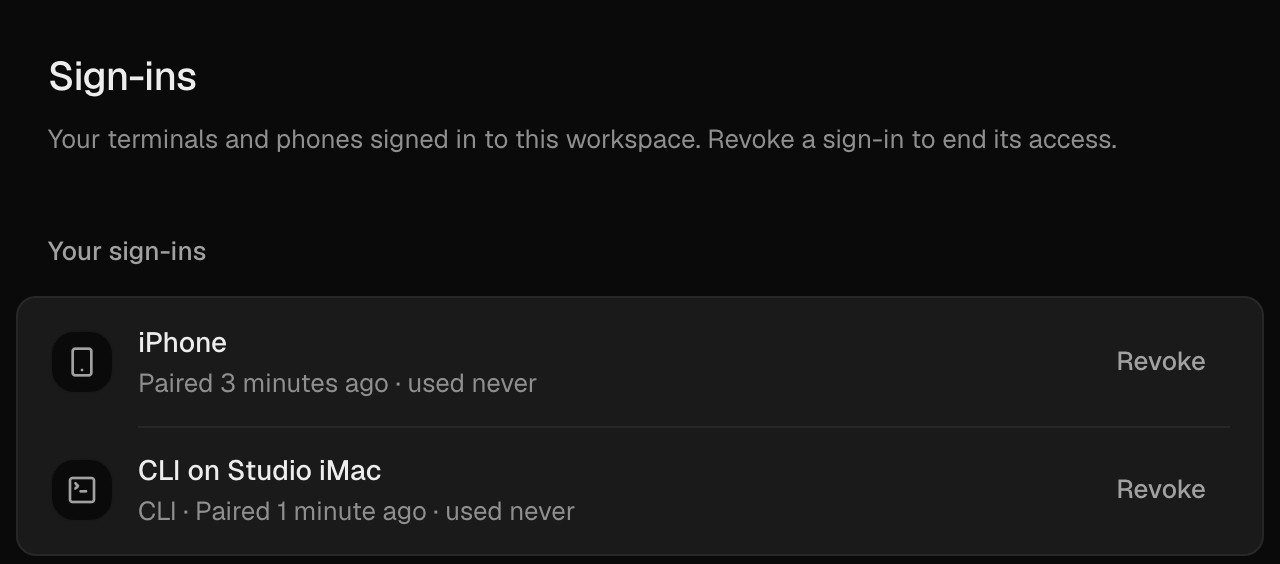
Your own sign-ins
Settings → Sign-ins lists your terminals and phones, and Revoke ends one's access.
Fixes
- Windows Signing in no longer loops back to the sign-in screen.
- Issues Switching issues quickly no longer flashes white.
- Machines Linux machines no longer fail run starts during setup.
- Plugins Plugin requests no longer hang for minutes.
- PostHog Fewer permission prompts, and project selection works again.
Improvements
- Dictation Web and desktop dictation keeps the language you speak.
- Settings Settings → Devices lists your machines and signed-in apps.
- Agents Each agent has its own Permissions menu.
- Lists Check-ins show as pills, and long subtitles fade out.