Nov 13, 2026 · v0.3.516
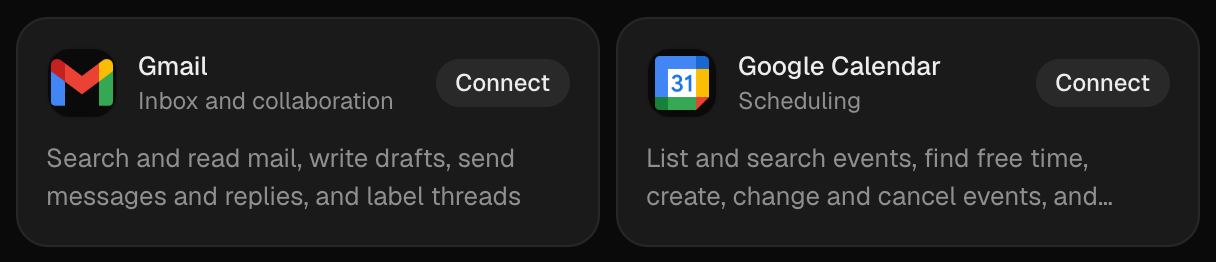
Gmail and Google Calendar
Gmail and Google Calendar connect in one click. Find them in Settings → Customize → Apps and press Connect: Google asks you to sign in, and Current keeps the login. Agents can then read and draft mail, check your calendar and create events, and each one asks before it first uses the app on an issue.
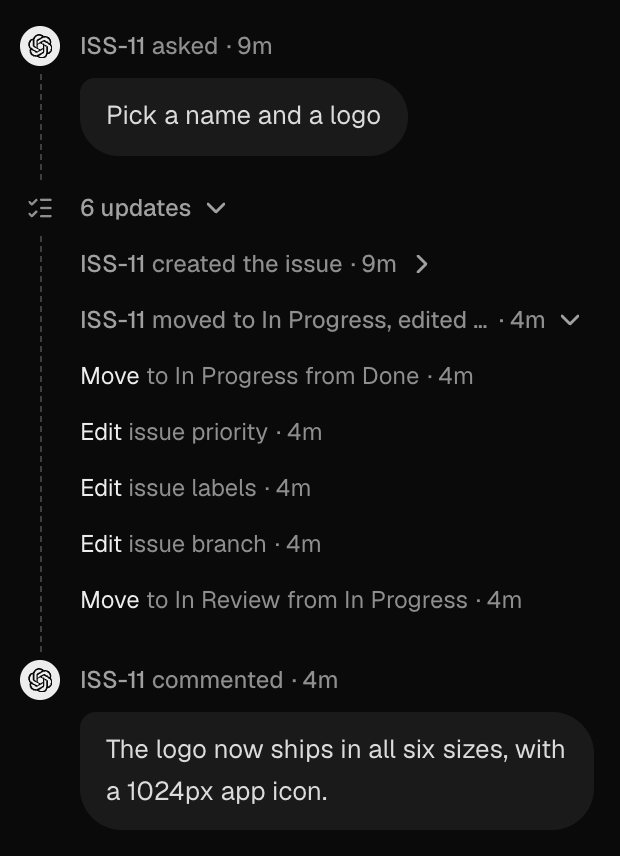
Updates fold into one line
Status changes, labels, branches and other edits between two messages now collapse into one line, such as "6 updates". Open it for one line per stretch of an agent's work, and open that for each step.
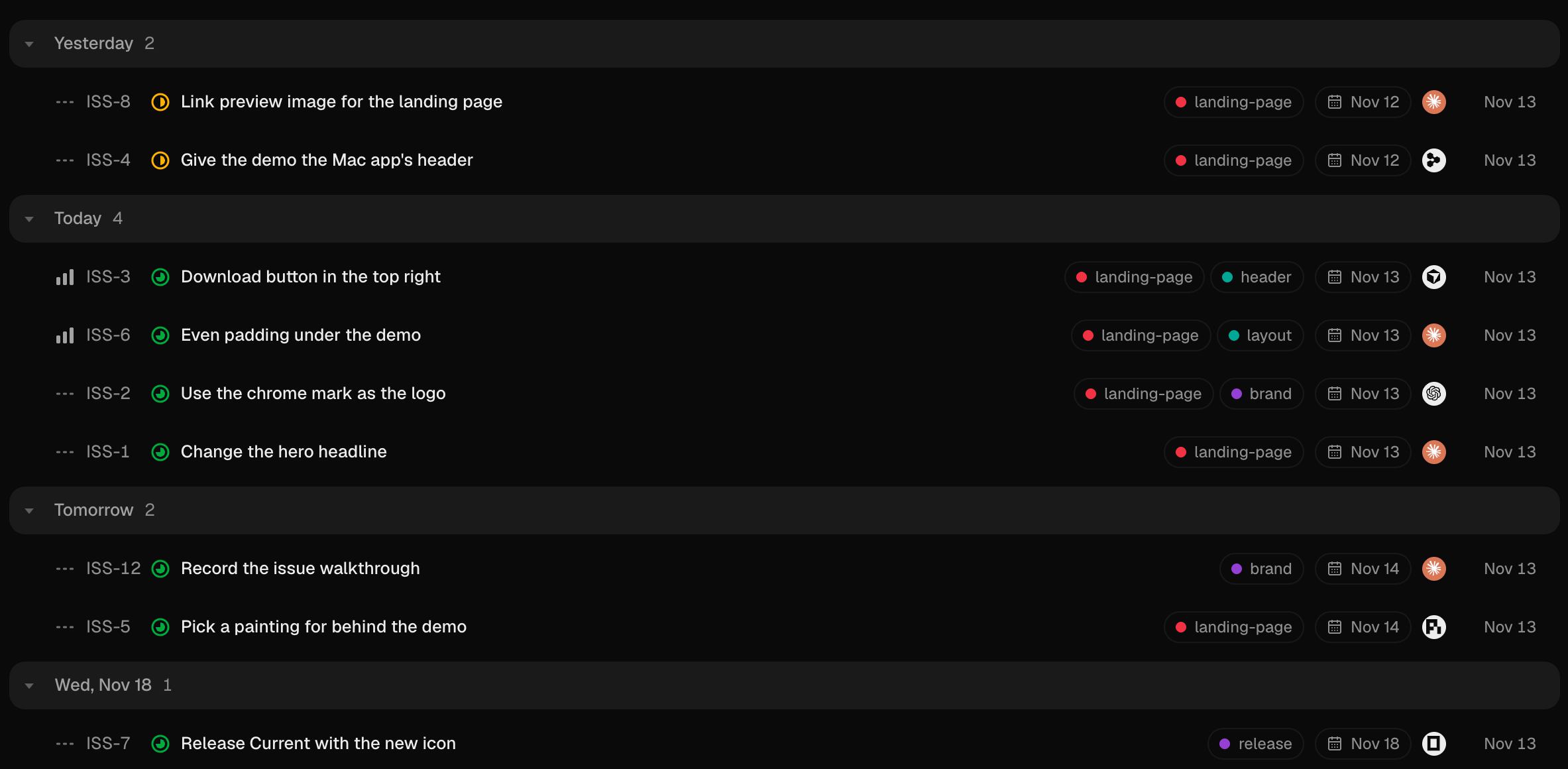
Group lists by date
Filters → Grouping → Date puts a divider on each day of the date you order by: Yesterday, Today, Tomorrow, then the date itself. Ordered by due date, issues without one come last. The Timeline layout is gone, and saved Timeline views open as lists grouped by date.
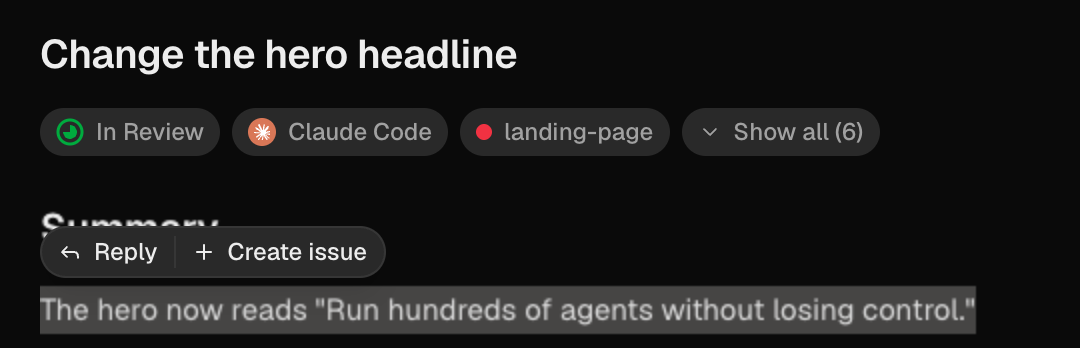
Turn a quote into an issue
Select text in an issue and Create issue sits beside Reply. It opens New issue with the text quoted and the issue it came from named, so the two stay linked.
Triangle and Flare
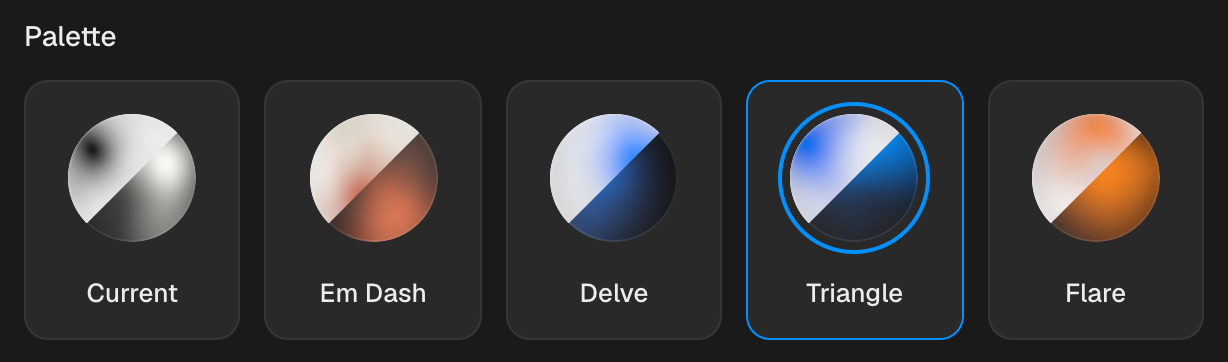
Two new palettes in Settings → Preferences: Triangle in grays and blue, and Flare with an orange accent, each in light and dark. The whole app now sets text in Geist Sans and code in Geist Mono.
Fixes
- Desktop The Current window no longer stays in front of other apps.
- Machines Revoke without wiping removes a machine that refuses SSH from Settings → Machines.
- Issues Escape leaves an issue body that holds HTML.
- Activity Long pasted text scrolls in the message box.
- Workspaces Deleting a workspace no longer sends you to the sign-in screen.
- Sidebar The sidebar scrolls when steps are expanded.
- Inbox Snoozed items stay out of Waiting for review.
- Import Listing an agent's sessions to import no longer freezes Current for up to 75 seconds.
- Agents Get started lists models only for agents that can run, and says why the others can't instead of asking again and again.
- Phone Continue and Skip work on the pairing screen.
Improvements
- Composer Comments and replies send with Return, and ⇧Return starts a new line. New issue still sends with ⌘Return.
- Issues Show or hide properties on one issue from its menu, without changing the others.
- Media Before and after clips share one player that keeps them in sync, and open side by side in full screen.
- Dictation Hold the Fn key to dictate, with a waveform across the composer.
- Updates The Update button says why it couldn't finish, and agents can read and install a waiting update.
- Usage Each usage row shows when it resets, with a mark where even spending would put you.
- Phone Each local workspace keeps its own issues and drafts on a paired iPhone, and notifications arrive from every one.
- Billing The Team card, checkout and the Terms list Team's usage charges.