Nov 15, 2026 · v0.3.551
Draw on images
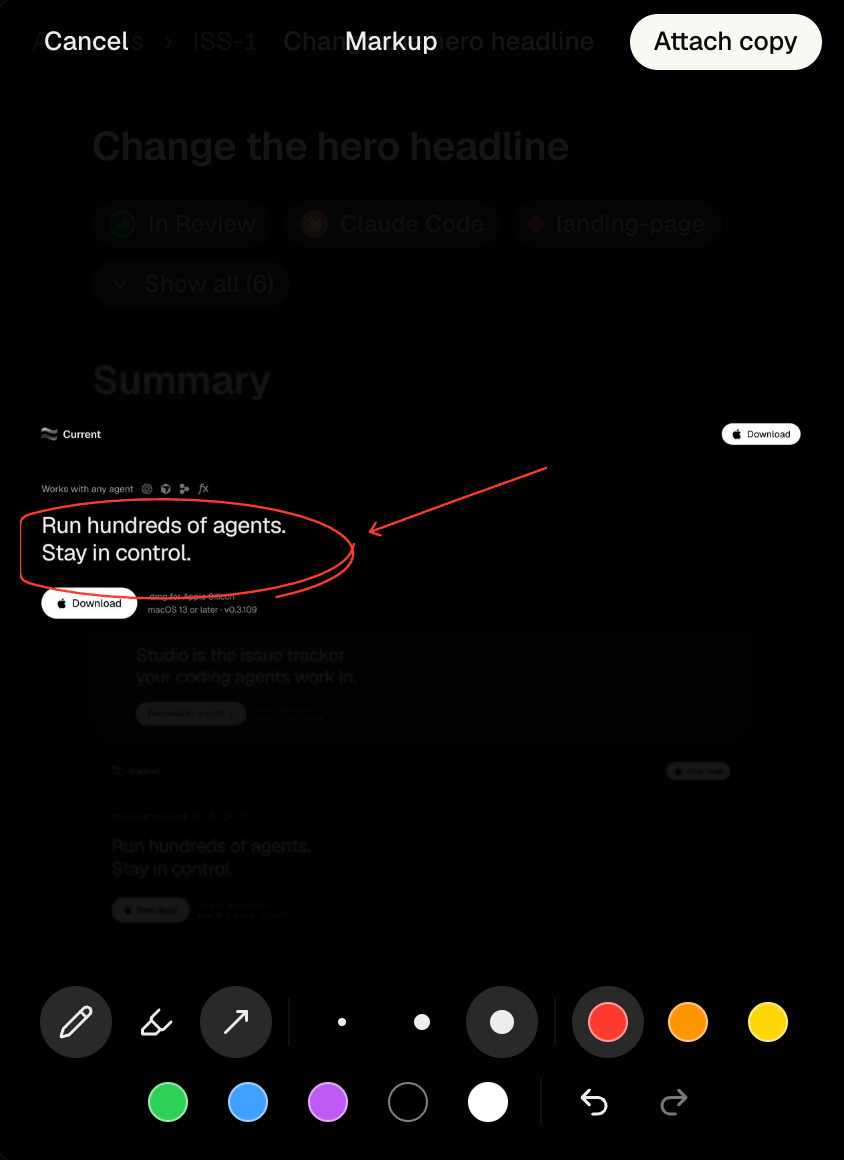
Open an image and choose Markup to draw, highlight or add arrowheads. On desktop and iPhone, Save replaces the image attached to your comment; marking up an image from the issue adds a copy.
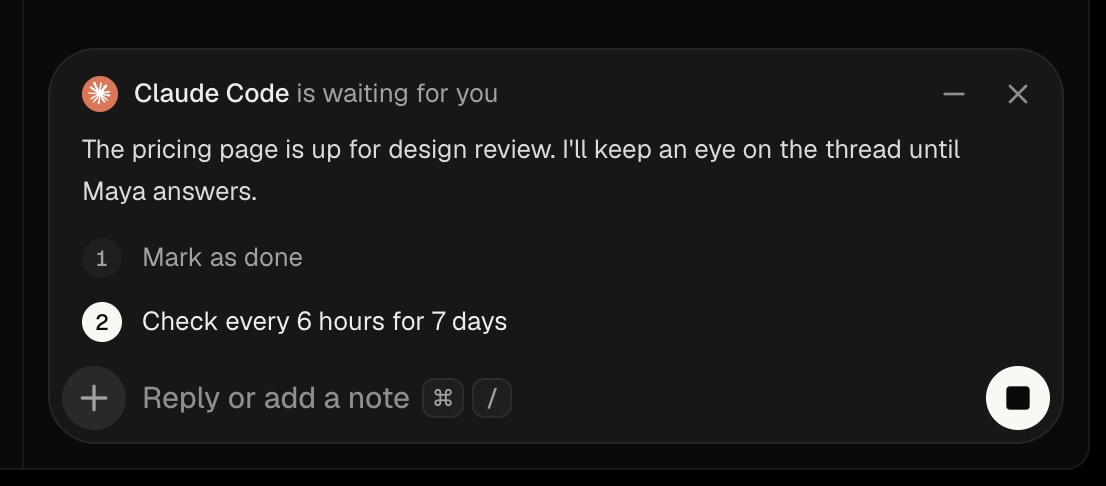
Keep checking until there's news
An agent can offer a repeating check-in, such as "Check every 6 hours for 7 days". Accept it once to keep checking for up to 30 days; it stops when the wait ends or the issue is finished.
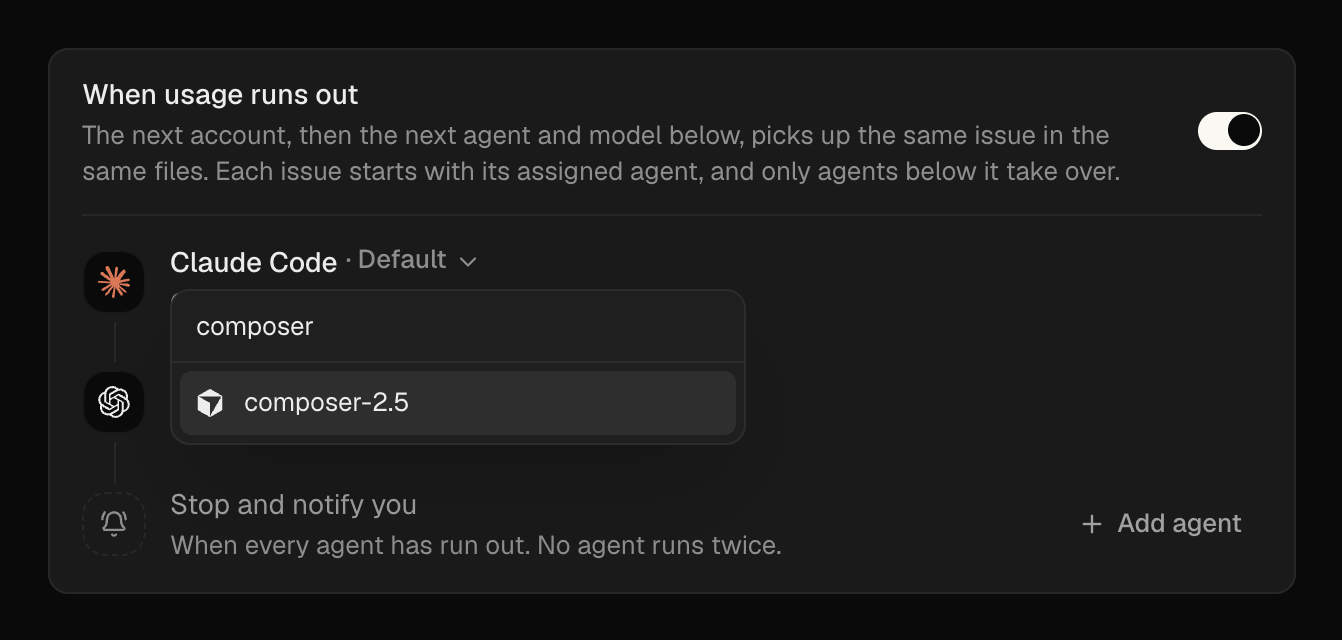
Choose the model that takes over
Settings → Agents → When usage runs out now lets you choose an agent and a model for each step. If an agent reaches its usage limit, the next step continues the issue on the model you chose.
Fixes
- Dictation Stopping no longer transcribes the whole recording a second time.
- Issues Moving up and down through issues no longer reloads each body.
- Phone HTML issue bodies no longer trap page scrolling.
- Agents A failed run no longer holds up other runs on This Mac, and preparing a new issue no longer blocks the queue.
- Agents Restoring an issue reuses its existing working folder and preserves unfinished work.
- Activity Pressing a custom action no longer brings back a conflicting approval button.
- Pairing Connecting a terminal keeps one dialog open through both steps.
- Workspaces The workspace picker shows This Mac's name correctly when you're viewing Cloud.
Improvements
- Activity Agent questions, permission requests and Continue wait above the comment box, beside your reply.
- iPhone Issues open as their own screen, and a single approval can ask you to slide to confirm.
- Agents Follow-up comments continue the issue's own Claude Code or Codex session.
- Agents Choose effort inside the composer's agent menu.
- Activity Finished permission requests fold into the updates line.
- Cloud Copying a workspace runs in the background after payment, with progress and a retry if it stops.
- Cloud Each member uses their own Claude and Codex accounts on rented machines.
- Workspaces The workspace address checks availability as you type, including during setup.
- Pull requests Linked pull requests show added and removed line counts, with a switch in Settings → Preferences.