Nov 13, 2026 · v0.3.503
Connect GitHub
Connect GitHub
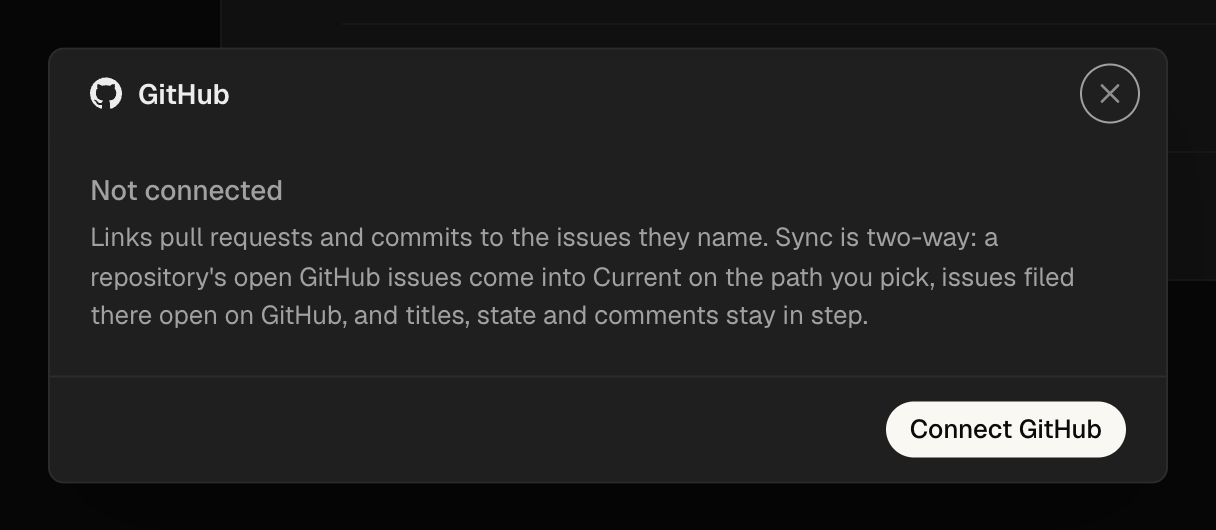
Settings → Integrations → Connect GitHub opens GitHub in your browser to create Current's app and pick the repositories it may use. No tokens to copy. Pull requests and commits link to the issues they name: a pull request from the issue's branch, or one that names the issue ID, shows on the issue. Opening one moves the issue to In progress; merging moves it to Done.
Pull requests on the issue
Every linked pull request shows on the issue with its state: open, merged or closed. Turn on sync for a repository and its open GitHub issues come into Current, issues filed in Current open on GitHub, and titles, state and comments stay in step in both places.

Fixes
- Recording A camera or microphone Allow now covers every page and every restart, instead of asking again.
- Linear A dropped connection no longer files itself as a bug. The sync reports it could not reach Linear and retries; the same guard covers Notion, GitHub and GitLab.
- Stability Pruning old run events no longer stops on an event without a position.
- Sidebar The scrollbar no longer covers the last rows of a sidebar list.
Improvements
- Sign-in Current asks for a Google or GitHub sign-in before you use it. Signing in with any email opens this Mac's workspaces; nothing in them changes.
- Dictation Free dictation in every composer, with the speech-to-text model running on your Mac. Turn it on in Settings → Labs.
- Calendar A timeline layout: each day is a group bar and each issue its row with its time in front. Filters → Layout → Timeline.
- Issues The issue menu gains Full width, and Hide properties to drop the property rows.
- Workspaces A step-by-step create flow, and a Cloud workspace can start as a copy of a local one. The app says Cloud everywhere instead of Teams.
- Asana Connect Asana in one click from Customize.
- Attachments HTML files attach in composers.
- Plugins Customize → MCPs shows whether each app is connected and which agents can use it.
- Search ⌘K finds settings, models and apps, and picking a setting opens its page scrolled to the row.
- Mentions Typing @ in a comment or New issue box lists people and agents, and @-mentioning a person puts the issue in their Inbox.
- Asks An agent's ask can offer options to tick or fields to fill instead of a free-text reply.
- Agents Asked to turn things into tasks, agents file Current issues first and reach for another tracker only when you name it.
- Themes Appearance settings picks palettes from cards: Current, Em Dash and Delve.
- Usage Usage counts only this workspace's runs.